
Explicaí #1: naming and branding an open source project together with AI
Anyone who has had to write a manual for a software system knows the routine: take a screenshot of every screen, draw little arrows, write the steps, export to PDF and, when a screen changes, do it all again. It takes days.
We decided to build a tool for that and document the whole build here on the blog, from scratch. There are two open source projects:
- Explicaí Studio, the app that builds the manual: it takes your screenshots, marks elements with numbers, organizes and formats the steps you write, and exports to PDF, HTML and Markdown.
- Explicaí Agent, an MCP server that lets an AI run the Studio on its own: open the system, capture the screens and put the manual together.
AI takes part in every step, including the ones that have nothing to do with code. This first part is about the name and the brand. There isn't a single line of the app yet.
Choosing the name with data
We asked Claude Code for a list of names with four criteria: it had to work for both projects (name and name-mcp), work in Portuguese and English, stay clear of known brands, and be available.
AI doesn't guess on the last one. It wrote a short script that queries the npm registry and the GitHub API for each candidate. Most of the list fell right away: Passo, Roteiro, Leme, Tutoria, Snapdoc and others already had owners on GitHub. After two rounds, five were left: Manualis, Explicaí, Faroldoc, Manualia and ManualKit.
We went with Explicaí. It comes from "explica aí?", Brazilian Portuguese for "can you explain?", which is what people ask when they get stuck in a system. And "IA", Portuguese for AI, is already inside the word.
Then came the domains, checked through the RDAP protocol. The .dev, .io and .org were free. The .com is parked, the .com.br already has an owner, and the .app belongs to an educational app with a similar name, in a different field. To avoid confusion, the spelling "ExplicAI", with a capital AI, is banned from the brand. The trademark search at INPI, Brazil's patent and trademark office, in the software classes is still pending: the database requires a login, so we'll do that part by hand.
The first brand came out too fast
With the name settled, the AI produced a full brand book in one pass: logo, palette, typography, tone of voice and applications. The visuals looked good. The copy, less so. Reading it carefully, you could tell an AI wrote it: punchy one-liners, forced "it's not X, it's Y" contrasts, everything in groups of three.
We installed four skills for Claude Code: humanizer, which rewrites AI-sounding text based on Wikipedia's guide to signs of AI writing; impeccable and hallmark, for design review; and ponytail, which pushes the agent toward the simplest solution in code.
Before installing, we read what each one does. A skill runs with the same permissions as the agent, and two of them ship hooks that run on their own. One has an optional webhook that sends usage metrics out. It comes switched off, and we left it that way.
The main thing was still missing: the AI had proposed the brand without anyone saying what the project wants to be. Through the skills search (npx skills find brand) we found one that runs a brand interview in seven modules: purpose, positioning, audience, personality, voice, narrative and the founder's role.
The interview: fewer open questions, more options to pick from
The first module used the classic format, one open question at a time, asking "why?" until the underlying motivation came out. That worked for about eight questions. On the ninth, the answer was "eu cansei de explicação kk", roughly "I'm tired of explaining, lol". Before that, a question like "if the project shut down in five years, what would people miss?" got back "que pergunta esquisita, pula essa" ("what a weird question, skip it").
We changed the format. The AI started bringing three or four ready-made options, written from what it had already heard, and the answer became a single letter. The next six modules went much faster than the first. In practice, the AI does the drafting and the person deciding just picks and adjusts.
What we decided:
- Purpose: documenting a system shouldn't cost more than building it.
- Category and edge: a manual builder, open source and free. Plus one rule: never compare ourselves with competitors.
- Audience: solo devs or small SaaS teams, software agencies and technical writers, all with equal weight. They look for a tool at three moments: when the system goes live without a manual, when the client asks for the manual at delivery, and when a screen changes and the manual goes stale.
- Personality: the teacher you liked. Knows a lot, explains calmly and cracks a joke now and then.
- Voice: formal in the app and the docs, relaxed on the blog. Generated manuals will have a configurable tone: professional, casual, or a tone described in plain text.
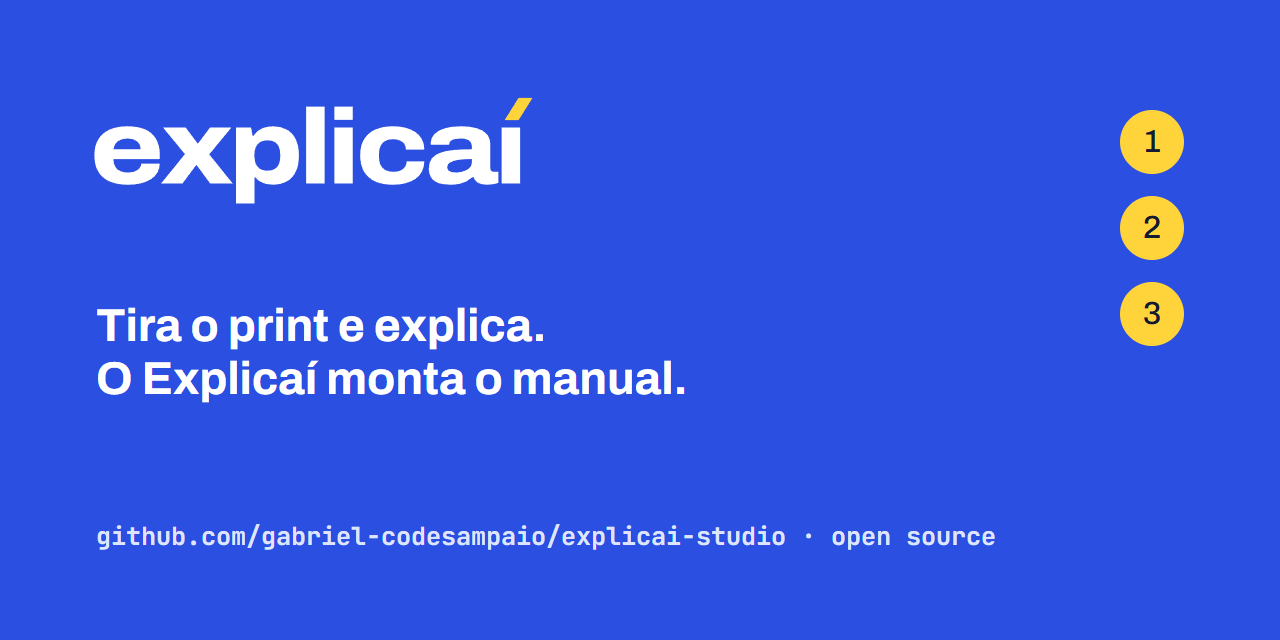
- Language: Portuguese and English from day one. Each language has its own slogan. In Portuguese: "Tira o print e explica. O Explicaí monta o manual." In English: "Snap it, explain it. Explicaí builds the manual." It used to be "Tira o print, que o Explicaí explica.", but that line suggested Explicaí writes on its own. The person writes; Explicaí organizes, formats and exports. We changed it on November 3, 2026, and the same day the English version got its own slogan instead of reusing the Portuguese one.
One idea came up mid-conversation and went into the project's idea notebook: use the Chrome DevTools MCP to follow a manual's steps inside the system and flag when something broke. That covers the third moment, the stale manual.
Brand book v0.2
With the interview done, we rebuilt the brand book. The copy went through humanizer and the visuals through the impeccable detector, which found real problems: low-contrast numbers on the dark theme markers and labels smaller than 11 px. It also flagged false positives. We measured the contrast of every piece of text on the page in the browser, in both themes, and the rest met the standard. We recorded the exception along with the reason, so nobody has to repeat that check.
The logo is the "í" itself. The blue square stands for the screen, the stem of the i is the content, and the yellow accent works as a pointer that shows where to look. So the files work without the font installed, the AI converted the Archivo letters into vector outlines with the fonttools library and rendered the PNGs with headless Chrome.
The brand book is live on GitHub Pages: gabriel-codesampaio.github.io/explicai-brandbook.
What we learned in this stage
AI speeds up the producing part a lot. The list of names, the checking script, the brand book, the font conversion: all of it came out in minutes. Deciding is still the job of whoever is building the project. The first version of the brand was pretty and generic precisely because nobody had said what it should be.
Ready-made options get more done than open questions. With alternatives on the screen, deciding is fast, and nothing stops you from rejecting all of them.
A third-party skill is third-party code. Read it before installing, especially the hooks.
Next step
In part 2, we set up the explicai and explicai-mcp repositories with the Claude Code project structure: CLAUDE.md, rules, skills and custom subagents. After that, the code starts.